Vibe Coding Test: What It Is and Why Security Matters in 2026
You’ve probably heard the term “vibe coding test” thrown around a lot this year. But what does putting it to the test actually look like? And should you trust the code it produces?
I’ve been following this topic closely, and the numbers coming out in 2026 are worth paying attention to, whether you’re a developer, a startup founder, or just someone curious about where software is headed.
What Is Vibe Coding?
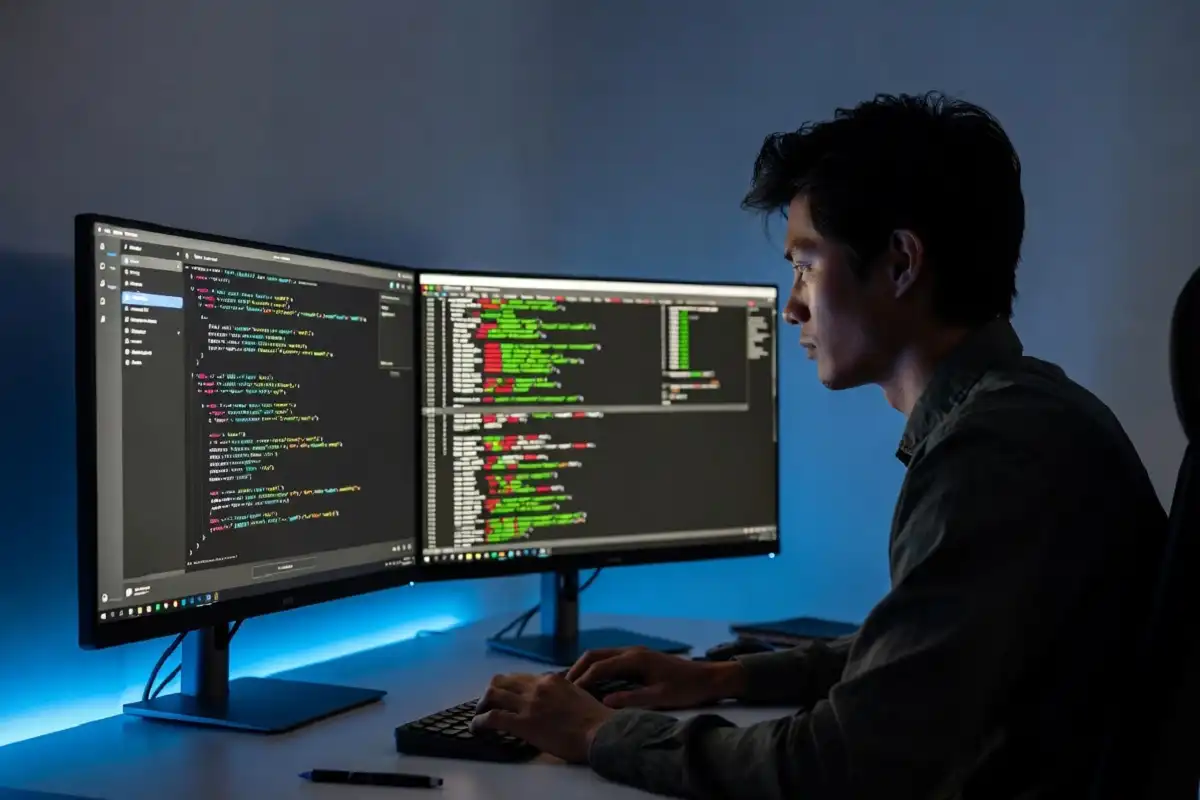
Vibe coding is a software development practice that makes app building more accessible, especially for people with limited programming experience. The term was coined by AI researcher Andrej Karpathy in early 2025, and it describes a workflow where the primary role shifts from writing code line by line to guiding an AI assistant to generate, refine, and debug an application through a more conversational process.
In simple terms: you describe what you want to build in plain language, and an AI tool builds it for you.
By early 2026, over 110,000 developers search for it monthly, a $4.7 billion market has formed around it, and 63% of people now vibe coding were never traditional programmers.
That’s a massive shift in who is building software.
If you’re keeping up with how AI is reshaping careers and workflows, we covered how AI skills are now the fastest route to career growth in 2026 and how hiring managers increasingly prefer AI-proficient candidates over traditional college grads.
What Does a Vibe Coding Test Look Like?
A “vibe coding test” is simply the process of checking whether the code an AI generates actually works, and more importantly, whether it’s safe and maintainable. You’re not just hitting “run” and calling it done. You’re evaluating the output.
Here’s how a basic vibe coding test workflow looks:
Step 1: Write your prompt. You describe what you want to build. For example: “Build me a login page with email and password, connected to a database.”
Step 2: Review the generated code. The AI produces the code. You read through it, or at least the key sections.
Step 3: Test the output. Run the app. Click through the interface. Try edge cases.
Step 4: Check for security issues. This is the part most beginners skip. More on that in a moment.
Step 5: Iterate. Use follow-up prompts to fix problems or add features.
Vibe coding trades a specific kind of control for a specific kind of speed. You move faster, but you need stronger review skills than writing skills. The skill is not typing. The skill is specification, review, and taste.
The Best Tools for Vibe Coding Right Now
Several platforms are popular for vibe coding in 2026. Based on what developers are reporting:
Cursor is the best AI code editor out there right now. It fits into your existing workflow and doesn’t try to replace you. v0 by Vercel generates clean React and Tailwind components, and Design Mode is actually good. Bolt.new is the fastest thing for prototyping. Replit’s AI Agent has gotten really good, handling everything from idea to deployed app without leaving the browser.
Other commonly used tools include Lovable, Windsurf, GitHub Copilot, and Claude Code.
Claude Code is a terminal-first experience. Anthropic’s AI coding agent excels at complex, multi-file operations where you need AI to understand your entire project structure. It reads your codebase, plans changes across multiple files, runs tests, and commits code.
We’ve covered the latest from Anthropic’s coding tools, including how Claude Opus 4.7 rolled out with stronger agentic skills and what the Claude Opus 4 and Sonnet 4 launch means for developers.
The Real Problem: Vibe Coding Tests Often Skip Security
This is the part that concerns me the most. Most people running a vibe coding test check whether the app works. Very few check whether it’s secure.
Research consistently shows that 40% to 62% of AI-generated code contains security vulnerabilities, with AI-written code producing flaws at 2.74 times the rate of human-written code. In 2026, AI generates 46% of all new code on GitHub, and that percentage is projected to hit 60% by year-end.
That’s not a small number. Nearly half of AI-generated code ships with a known vulnerability.
A December 2025 analysis by CodeRabbit of 470 open-source GitHub pull requests found that code co-authored by generative AI contained approximately 1.7 times more major issues compared to human-written code. The study revealed elevated rates of logic errors, including incorrect dependencies, flawed control flow, misconfigurations (75% more common), and security vulnerabilities (2.74x higher).
A real example from February 2026: Moltbook, a social networking site built entirely through vibe coding, had its database exposed by security firm Wiz. The exposure included 1.5 million authentication tokens and 35,000 email addresses, all wide open to the internet. The root cause was not a sophisticated attack. It was vibe coding without security review.
This is the gap between “it works” and “it’s safe.”
For more on the broader cybersecurity picture in 2026, see our coverage of supply chain security threats and how teams are responding.
What a Proper Vibe Coding Test Should Include
Based on what security researchers and experienced developers are saying in 2026, here’s what you should actually test:
1. Authentication and access control. AI coding assistants default to weak authentication patterns or skip authorization checks entirely unless explicitly prompted. The result is apps that authenticate users but don’t verify what they’re allowed to access, or apps that ship with hardcoded admin credentials.
2. Hardcoded secrets. AI assistants commonly generate code with API keys, database passwords, and tokens written directly into source files. When that code hits GitHub, even a private repo, you have a major breach waiting to happen.
3. Injection vulnerabilities. According to Georgetown CSET research cited by BeyondScale, XSS vulnerabilities showed up in 86% of AI-generated code samples tested across five major large language models. That’s a staggering rate.
4. Dependency risks. A prompt for an OAuth login may pull in a helper library or starter template the developer never explicitly chose. Risky defaults may inherit permissive logging, broad network bindings, or relaxed validation that are fine for demos but unsafe in production.
5. Logic and flow errors. A 2025 IEEE-ISTAS controlled experiment measured a 37.6% increase in critical vulnerabilities after just five rounds of AI-assisted code refinement. Iterating on AI output does not self-correct security flaws. It compounds them.
The “Vibe Slop” Warning From Engineers
In May 2026, things got pointed. The Wall Street Journal reported on criticism from engineers behind the Pi coding harness inside the OpenClaw AI agent system. They warned of a looming “vibe slop” crisis, saying that companies are trading near-term productivity for longer-term problems, including buggy software, service outages, security vulnerabilities, and increased technical debt.
One of the engineers was quoted saying the infrastructure is “falling apart” and software has become “very, very buggy compared to before.”
That’s a serious warning from people building these systems professionally.
Where Vibe Coding Tests Work Well
To be fair, vibe coding testing has a strong track record in specific use cases.
Vibe coding is helpful to test applications and create prototypes. Quick prototyping is becoming a key enabler for teams to move ideas from early-stage concepts to functional prototypes. For businesses, it enables quickly progressing with a minimum viable product, cheaply experimenting with ideas, and adapting based on feedback.
The risk goes up when you take that prototype straight to production without a proper security review.
According to IBM’s explainer on vibe coding, the workflow works well for internal tools, rapid ideation, and building MVPs, but production software still requires planning, architecture design, testing, security reviews, and deployment governance.
Even Linus Torvalds, creator of Linux, used vibe coding for a Python visualizer tool in a hobby project in January 2026. At an Open Source Summit, he said vibe coding was fine for getting started but a “horrible idea” for maintenance. That’s a pretty healthy way to think about it.
How to Run a Better Vibe Coding Test
Here’s a simple checklist before you ship anything:
- Run a static analysis tool (like Snyk or Semgrep) on the generated code.
- Search the codebase for hardcoded credentials before pushing to any repository.
- Test authentication flows manually, not just the happy path.
- Check every third-party dependency the AI pulled in.
- Ask the AI to review its own code for security vulnerabilities, then verify the response.
- Never deploy directly from a vibe coded prototype without at least one manual review.
By 2026, 92% of US-based developers are expected to use AI coding tools daily, and 41% of all code globally will be AI-generated. This transformation shifts developers away from being “keyboard operators” toward roles resembling product directors, focused on setting goals, defining intent, and reviewing outcomes.
The developers thriving with vibe coding are the ones who still stay hands-on during the testing phase. They use AI for speed, but they own the review process completely.
For context on how AI is reshaping what employers want, check out our look at how AI leadership skills now top hiring priorities for CEOs in 2026.
Final Take
Vibe coding is fast, accessible, and genuinely useful. But a vibe coding test that only checks “does it run” is not enough.
The data in 2026 is clear: AI-generated code carries real vulnerabilities. The tools are getting better, but the review process still needs to be human-led. Speed is only an advantage if what you’re shipping is actually safe.
If you’re using vibe coding to build something real, treat the security test as non-negotiable, not as an optional step after launch. According to Trend Micro’s security researchers, functionality cannot be the finish line when security hasn’t been validated.
Build fast. Test thoroughly. Ship carefully.