Android 17 Features: App Bubbles, Gemini AI, Security
Google released the stable Android 17 update to Pixel phones on June 16, 2026. The Android 17 features in this release cover four main areas: productivity, entertainment, security, and privacy. If you own a Pixel 6 or newer, the update is rolling out to your device now. Samsung, OnePlus, and Xiaomi users are looking at late Q3 2026 for their builds.
The internal codename for this release is “Cinnamon Bun.” Google also replaced its traditional Developer Preview program with a new Canary channel that allows continuous testing throughout the year. Every Android 17 feature confirmed by Google is covered below.
App Bubbles: The Headline Android 17 Feature
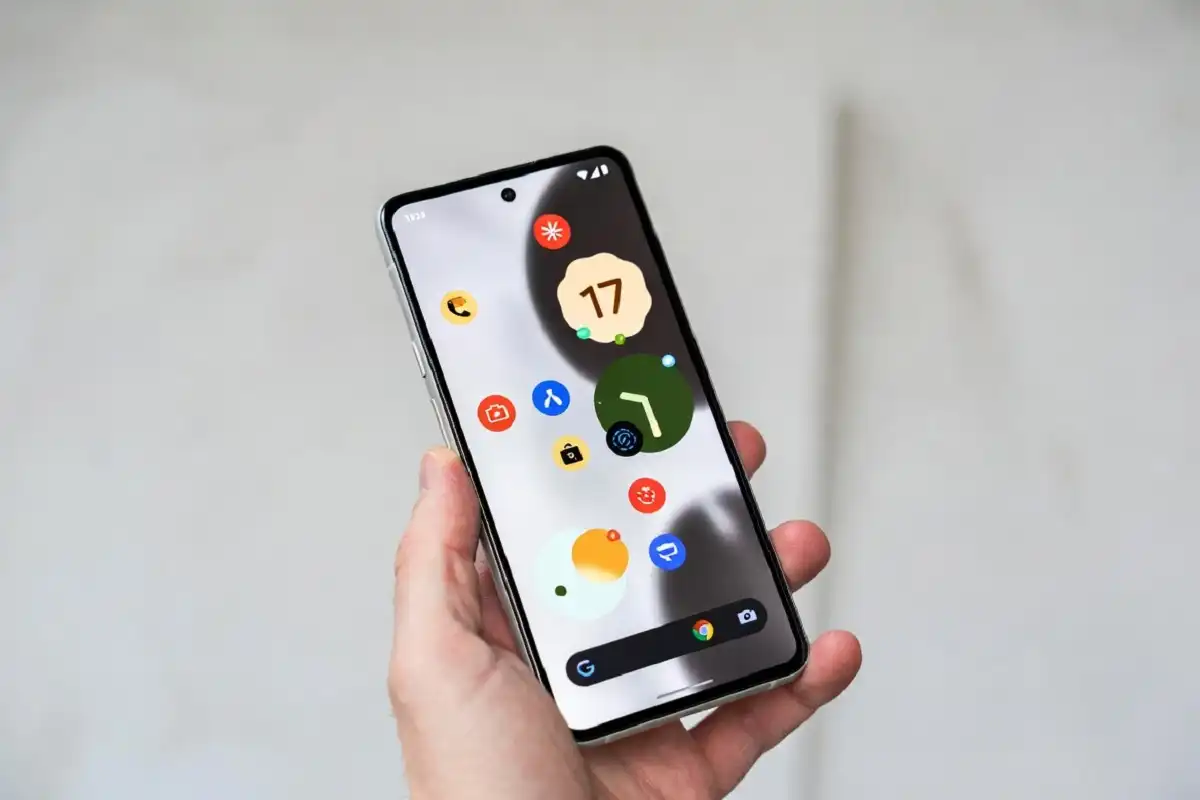
The standout Android 17 feature this year is App Bubbles. Long-press any app icon to turn it into a compact floating window. That bubble sits on top of whatever app you are using, so you can reference two things at once without fully switching screens.
On large-screen devices, bubbles dock into a dedicated bubble bar at the bottom of your screen, so you can switch between apps with one tap and resize or maximize them to full screen for faster multitasking.
On a standard phone, the bubble floats wherever you place it. Keep a map open while texting. Watch a tutorial while taking notes. Keep a Gemini chat visible while working in another app. As Android 17 features go, App Bubbles is the one that changes daily habits most directly.
Samsung has had a floating-window system for years. For Android devices from lighter-skin makers like Motorola, App Bubbles brings this capability natively for the first time. For more on what the Pixel 10 series carried into 2026 before this update, see what Google introduced with the Tensor G5 chip and the new telephoto system.
Screen Reactions: Record Your Face and Screen at the Same Time
Screen Reactions is a new way to create reaction videos and tutorials. Users can now record their screen and front-facing camera simultaneously without relying on third-party apps. A redesigned screen recording interface further includes a new toolbar and controls that allow users to resize and reposition the selfie camera feed while recording.
Screen Reactions is one of the Android 17 features that content creators will find the most useful. The output looks exactly like a reaction video you’d post on YouTube Shorts or Instagram Reels. No editing or extra setup needed.
Gemini Intelligence: The Biggest AI Android 17 Feature
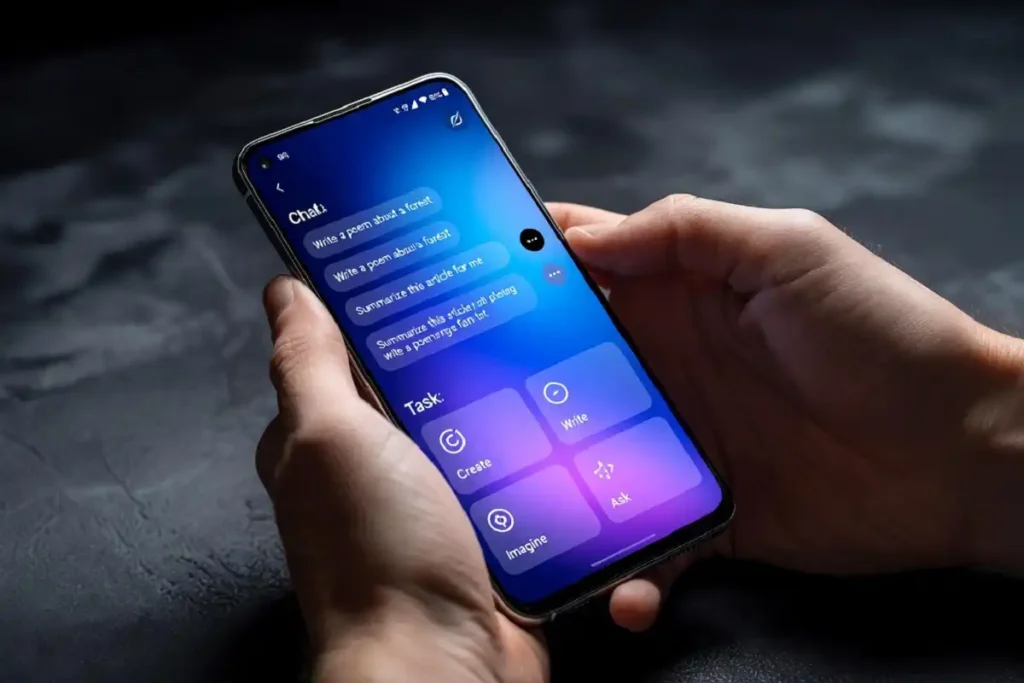
Gemini Intelligence is the name Google is using for Android 17’s agentic AI layer: the set of features that can execute multi-step tasks in the background, across apps, without waiting for a prompt at each step.
But here’s something important to know: Gemini Intelligence is not included in today’s stable release. Google confirmed it is coming to select devices later this summer.
Gemini-enabled functions include automated booking and multi-step task completion, content summarization inside Chrome, natural-language widget creation, and a speech-to-text polishing tool. That polishing tool is called “Rambler.”
Reporting from How-To Geek documents steep device requirements for the marquee local model, including support for Gemini Nano v3, a qualifying flagship SoC, and at least 12GB of RAM, which rules out many phones released before 2026. A cloud-based version will extend access to more Android devices later in 2026.
The Android 17 features in the Gemini Intelligence category are part of a bigger shift this year. You can see the same pattern playing out across the artificial intelligence category in 2026, as AI moves from standalone apps into the operating system layer itself.
Security: Strongest Android 17 Features in Years
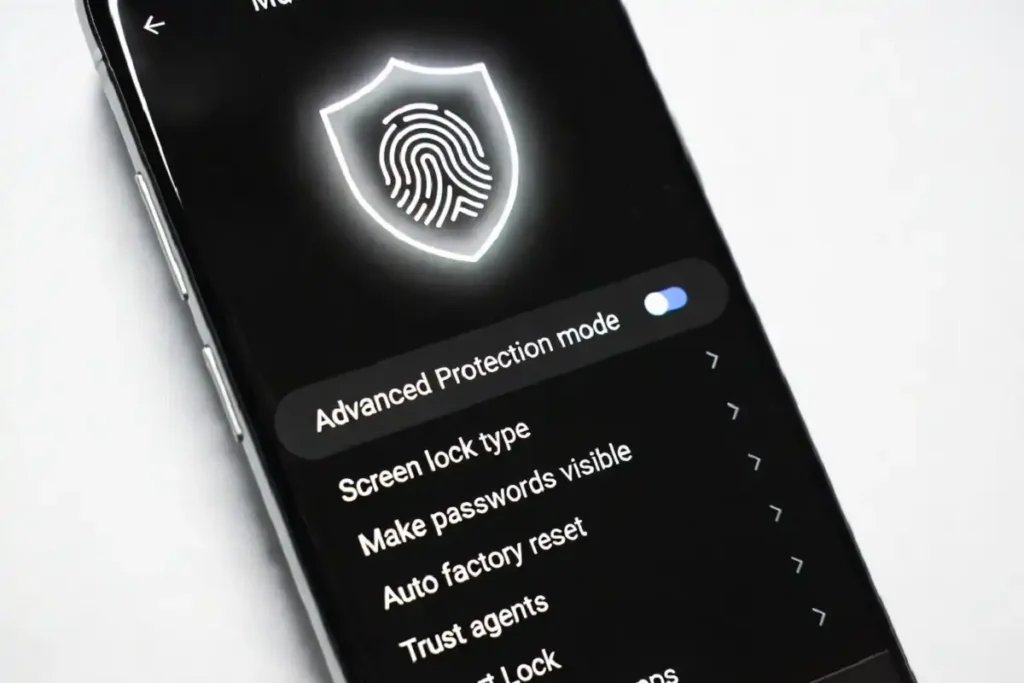
The security Android 17 features are among the most practical improvements in this entire release. Here is what is changing.
Live Threat Detection uses on-device AI to flag apps that quietly forward your SMS messages, misuse accessibility features, or hide their icon and run in the background. This is landing on Android 17 in the second half of 2026.
Verified Financial Calls will automatically end calls from numbers pretending to be your bank if the bank’s app is installed and opted in. Revolut, Itau, and Nubank are among the first financial institutions launching with this capability.
According to Google’s official Android 17 blog post, the Verified Financial Calls feature also works on Android 11 and above.
Mark as Lost has also been upgraded. The improved version can lock a stolen phone with biometrics, making unauthorized access much harder.
To stop a thief who’s trying to guess their way into your phone, Google also reduced the number of times someone can guess your PIN and added longer wait times between failed attempts.
Advanced Protection Mode has been updated to block non-accessibility apps from using accessibility access and to disable device-to-device unlocking.
Anyone following mobile cybersecurity developments in 2026 will find the security Android 17 features worth a close look. They address theft, scams, and malicious apps using real attack patterns, not theoretical scenarios.
Privacy Controls: More Granular App Permissions
The privacy Android 17 features give users tighter control over what apps can access. Apps can now request one-time access to precise location, and users can share only specific contacts with an app instead of the entire address book.
The “Microphone, Camera & Location” dialog now correctly lists the specific apps accessing your location. This closes a visibility gap that existed in earlier Android versions and makes it easier to spot anything that shouldn’t have access.
Gaming: Foldable-Focused Android 17 Features
The gaming Android 17 features are built specifically for foldable phones and large-screen devices. Android 17 introduces a dedicated foldable gaming mode that uses a 50:50 layout, placing gameplay on the upper half of the screen and a dynamic virtual controller on the lower half.
With Android 17, gamers can also remap their controllers on a system level. That means button remapping applies across all compatible games without relying on individual app support.
More Android 17 Features Worth Knowing
Beyond the headline changes, Android 17 packs in several smaller additions:
App Memory Limits: Android 17 introduces app memory limits to ensure apps never use too much RAM, helping improve your device’s overall performance and battery life.
Independent Gemini Volume: An independent volume slider for Gemini, separate from media volume, allows users to adjust assistant audio without affecting music or video playback.
Hide App Names: There is a setting to hide app names on your home screen for a cleaner look.
Parental Controls Expansion: Parental controls are now available on all Android devices, not just Pixels.
Hearing Aid Support: Android 17 adds a dedicated device category for hearing aids that use the Bluetooth Low Energy Audio standard, allowing Android 17 devices to distinguish hearing aids from regular headphones or earbuds.
RAW14 Camera Format: New support for the RAW14 image format gives professional camera apps a way to capture the highest level of detail and color depth from compatible sensors.
Instagram is getting Ultra HDR capture and playback, built-in video stabilization, and Night Sight support for flagship smartphones with Android 17. The Instagram Edits app is also getting AI-powered smart enhance to upscale photos and videos, and a sound separation feature that removes wind, noise, and music from audio tracks.
These additions are part of how mobile apps continue evolving in 2026, with the Android 17 features connected to the camera system giving creators more capability directly at the OS level.
Who Gets Android 17 and When
The first stable Android 17 update is coming to the Pixel 6 and 6 Pro, Pixel 6a, Pixel 7 and 7 Pro, Pixel 7a, Pixel 8 and 8 Pro, Pixel 8a, Pixel 9, Pixel 9 Pro and 9 Pro XL, Pixel 9 Pro Fold, Pixel 9a, Pixel 10, Pixel 10 Pro and 10 Pro XL. Not every Android 17 feature reaches all devices at the same time. Gemini Intelligence requires Gemini Nano v3 hardware and at least 12GB of RAM, which rules out most phones released before 2026.
Samsung officially launched the One UI 9 beta on May 13, 2026, for the Galaxy S26 series in the US, UK, Germany, South Korea, and India. The Galaxy Z Fold 8 and Z Flip 8 are widely reported to launch with stable One UI 9 at Galaxy Unpacked in London on July 22, 2026.
OnePlus, Xiaomi, Vivo, Oppo, Honor, iQOO, Lenovo, and Realme have all been part of the official Android 17 beta program. Stable rollouts for these brands, including OxygenOS 17 for OnePlus and HyperOS 4 for Xiaomi, are expected to begin in Q3 2026.
To manually check for the update on a Pixel device, go to Settings > System > System update.
Android 17 is one of the more meaningful Android releases in recent years. App Bubbles, the overhauled security layer, and the camera improvements are all available to eligible Pixel devices right now. Gemini Intelligence, the AI-powered layer, follows later this summer for qualifying flagship phones.