Desk Gadgets: The 2026 Guide to Tools That Actually Improve Your Workday
You spend dozens of hours a week at your desk. The right desk gadgets cut clutter, sharpen focus, and make those hours feel less like a grind. Here’s what’s worth buying in 2026, and what to skip.
Desk gadgets are small tools that fix real workspace problems: cable mess, bad lighting, cold coffee, and slow workflows. The best 2026 picks solve one problem well, last for years, and save more space than they take. Function beats flash every time.
What Counts as a Desk Gadget?
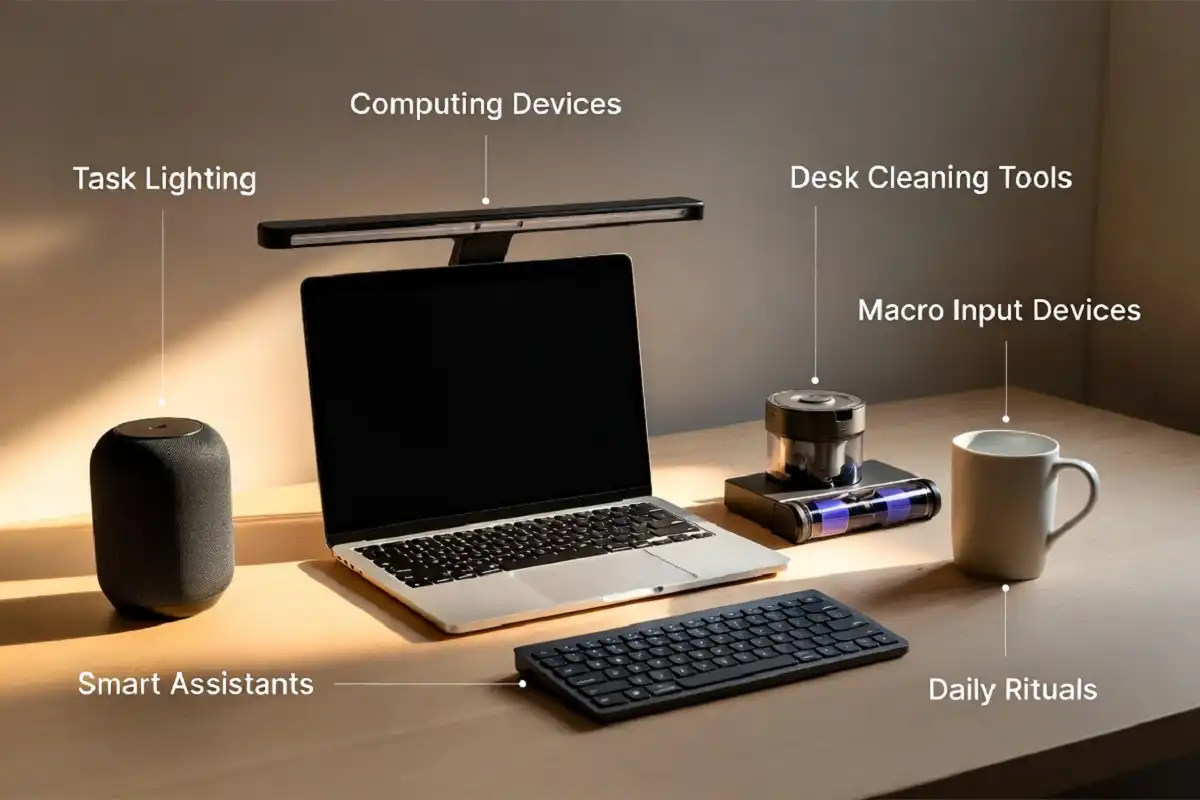
A desk gadget is any compact tool that improves how you work at your desk. Think programmable macropads, monitor light bars, desk vacuums, smart mugs, and charging docks. Some are tech-heavy. Some are simple. The category has shifted fast since remote and hybrid work became normal.
The line between “accessory” and “gadget” has blurred. In my coverage of this space, the useful ones now share four traits: they solve an actual problem, they hold up over time, they consolidate rather than clutter, and they feel good to use daily. Everything below passes that test.
Which Desk Gadgets Are Worth Buying in 2026?
The desk gadgets worth your money in 2026 fall into six groups: workflow controllers, lighting, air quality monitors, cleaning tools, ergonomic upgrades, and smart assistants. Each fixes a specific pain point. Buy for the problem you have, not the spec sheet.
Here’s the practical breakdown.
Programmable Macropads (Best for Workflow Speed)
Macropads are the standout desk gadgets of 2026. They used to be streamer-only gear. Now they’re real productivity tools for anyone who juggles apps all day.
Elgato’s Stream Deck MK.2 leads the category with 15 customizable LCD keys. Its list price is $149.99, though it regularly drops to around $108 during Amazon sales, per GamesRadar price tracking as of June 2026. You program each key to launch apps, mute your mic on Zoom, switch scenes, or fire off automations. No coding needed. The Elgato Marketplace holds thousands of plugins and icons, the largest set in the space.
Loupedeck, Mountain, and Razer make solid hardware too. But Elgato still wins on software, which is why it holds the top spot. If you run the same repetitive actions dozens of times a day, this is the upgrade that pays back fastest.

Monitor Light Bars (Best for Eye Comfort)
A monitor light bar sits on top of your screen and lights your desk without glare or wasted space. It’s the single most-recommended lighting upgrade among desk setup reviewers this year.
The BenQ ScreenBar line, especially models with a wireless control puck, is the repeat top pick from BTOD’s June 2026 desk accessory testing. The puck lets you adjust brightness without nudging the bar around. Xiaomi makes a cheaper version, but reviewers note worse light bleed onto the monitor. If you only add two upgrades to your desk, cable management and a light bar are the ones testers name first.
Indoor Air Quality Monitors (The Fastest-Growing Category)
Air quality monitors are the youngest desk gadget category, and 2026 is the year they crossed from health niche into everyday productivity gear. The reason is simple: CO2 buildup hurts focus.
The Awair Element leads here at roughly $249 on sale ($299 list), per The Gadgeteer’s May 2026 roundup. It tracks CO2 from 400 to 5,000 ppm, plus PM2.5, VOCs, temperature, and humidity, then sends alerts to your phone over Wi-Fi. Research ties CO2 levels above 1,000 ppm to measurable focus drops. That matters most in closed rooms and basements with weak airflow. If you work in a small space with the door shut, this gadget tells you when to crack a window.
Desk Vacuums (Best for a Clean Surface)
A desk vacuum is a tiny handheld tool that clears crumbs, dust, and keyboard debris. It sounds minor. It’s one of the most repeat-purchased desk gadgets among reviewers who eat at their desks.
The Odistar desktop vacuum is TechCrunch’s affordable pick as of July 2026. It’s quiet, compact, and small enough to keep on the desk or stash in a drawer. The Bridgy desktop vacuum runs around $50 and ships with a flexible hose, brush nozzle, crevice tool, and USB-C charging. BTOD’s testers found it also worked on chair fabric and couch cushions, which makes it more useful than expected.
Ergonomic and Charging Upgrades (Best for Long Hours)
Sitting in one position for hours is harder on your body than most people expect. A few gadgets fix that directly.
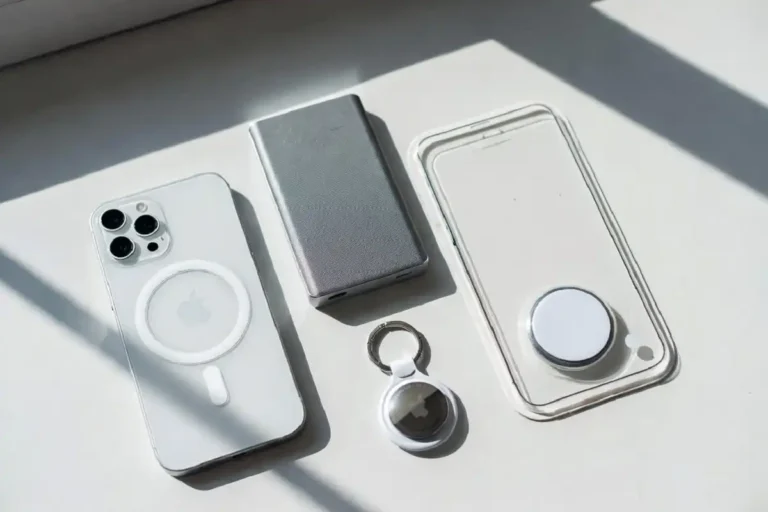
A single-cable docking monitor consolidates power, video, and data through one connection, which cuts adapter clutter fast. A cable management box hides power strips and bulky blocks under the desk. A footrest with a rocking base adds small movement while you sit. For charging, look for a compact GaN charger or a MagSafe stand that clears your phone off the desk surface. If you build around iPhone or Mac, several affordable picks under $50 handle charging and stands without eating your desk space. Consolidation is the win here: anything that cuts the number of adapters you need earns its spot.
Smart Assistants and Ambient Lighting (Best for Convenience)
A smart speaker or ambient light adds hands-free control and a bit of personality to your setup.
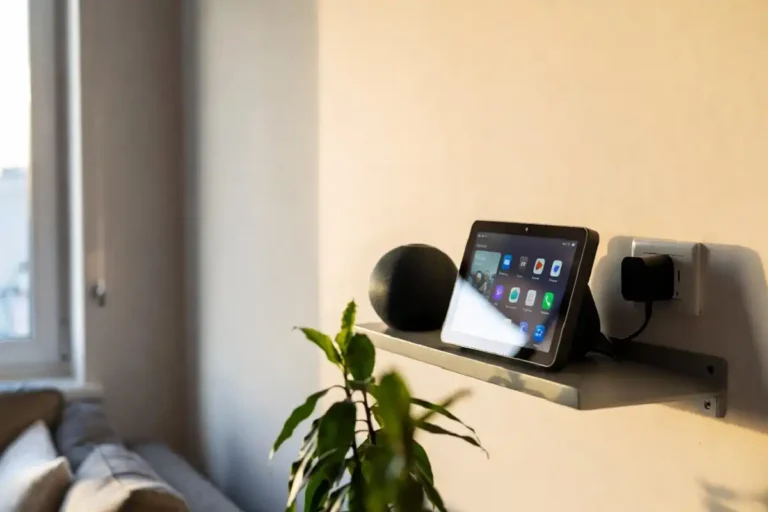
The Amazon Echo Dot, around $50, works as a desk assistant and clock. You set reminders, check your calendar, play music, and control smart lights by voice without reaching for your phone. It’s a natural fit if you’re already in the Alexa ecosystem, and there are plenty of compatible smart-home add-ons that pair with it. For lighting, Govee Glide Hexa panels mount on the wall behind your monitor and add color without using any desk space. TechCrunch highlighted them in July 2026 as a low-effort way to set a focused mood during work and switch to dynamic effects on breaks.
How Do You Choose the Right Desk Gadgets?
Start with your biggest daily frustration, then buy the one gadget that fixes it. Do not buy for aesthetics alone. That’s the fastest way to fill a drawer with expensive shelf pieces.
Ask four questions before you buy. Does it solve a real problem in your workflow? Will it still look and work well in a year? Does it save more space than it takes? Does it feel good to use every day? If a product fails any of these, skip it. This same filter separates useful desk gadgets from gimmicks, and it’s the standard reviewers at BTOD and The Gadgeteer apply across their 2026 testing.

What Do the Best Desk Gadgets Have in Common?
Every strong desk gadget in 2026 does one job better than anything else near its price. The category is moving from “extra” to “standard,” and macropads got there first. Air monitors are close behind.
A quick note on budget: you don’t need to spend big. Under-$50 picks like the Odistar vacuum, a coffee warmer, or an Echo Dot deliver real daily value. The pricier gear, a docking monitor, a premium keyboard, or a top-tier macropad, adds up quickly. Start with two upgrades and expand only when you feel a genuine need. If you want more current options across categories, it’s worth tracking the newest gadget releases and cool workspace tools as they land, since this market moves fast.
The Numbers to Watch Next
Watch two shifts through the rest of 2026. Macropad software keeps widening the gap between brands, so Elgato’s lead depends on plugins, not hardware. And air quality monitors are the category to watch as prices fall and more people connect focus to CO2. Buy the gadget that fixes your specific problem, check the as-of pricing before you commit, and skip anything that’s flash over function.